人员与门禁
SentinelFace Display
A door-side attendance display: see your check-in, confirm your check-out.
面临的挑战
When attendance happens silently, staff never know whether they were counted.
SentinelFace Display
Face recognition at the door is fast, but people want to see that it worked and need an easy way to correct it. SentinelFace Display sits beside the door, shows each person their check-in and hours, and gives two large keys to check out now or cancel, all on one network cable.
饲养员、游客与安防
适用场景
Staff entrances
Check-in and check-out confirmed at the door, with no cards or queues.
Keeper rooms & offices
Each person sees today's hours and check-in time as they pass.
Laboratories & campus buildings
The same attendance flow at every building entrance.
功能
Welcome card
Shows the person's name and check-in time when they arrive.
Hours at a glance
Today's and this week's hours, with progress to the weekly target.
Two large keys
CHECK OUT now or CANCEL, with lit rings, for a quick decision.
Countdown before check-out
In the evening it counts down first, so a wrong check-out can be cancelled.
History on touch
Today's check-ins on the 7-inch touch screen.
Status light
A light bar shows whether the display is online.
工作原理
Mount
Fix the back box beside the door and run one PoE network cable.
Recognise
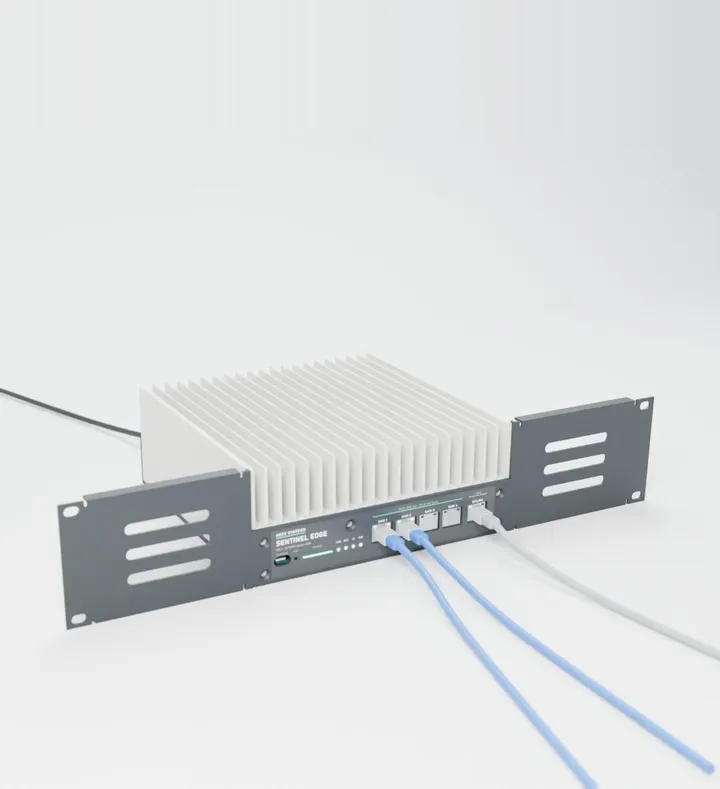
The site's door camera and Sentinel Edge recognise each person.
Confirm
The display shows the result; staff check out or cancel with the large keys.
团队为何选择它
Seen to work
Staff see their attendance recorded, every time.
One cable
Power and network on a single PoE cable.
Easy corrections
CANCEL keeps someone checked in if they are not leaving.
No extra camera
Uses the door camera already on site.
关键参数
- Screen
- 7-inch IPS touch screen, 1280 × 720
- Keys
- Two lit keys: CHECK OUT and CANCEL
- Status
- Online light bar; screen dims with room light
- Camera
- None: works with the site's door camera
- Network
- Ethernet, with Wi-Fi as a fallback
- Power
- PoE (IEEE 802.3af), one cable
- Mounting
- Surface wall mount, tilted 6° down, tamper screws
- Size
- 206 × 163 mm
- Setting
- Indoor entrances and offices
包装清单
- SentinelFace Display
- Wall back box
- Tamper screws
- Wall screws, plugs and drilling template
兼容
Sentinel Edge and a door IP camera, which do the face recognition, and the ANTZ attendance software.
Planning a pilot?
Tell us about your entrances and shifts, and we will plan a SentinelFace pilot.
饲养员、游客与安防中的更多设备
全部设备

亲眼见证安茨艾吉
预约演示讲解。我们将为您展示一项实际开展的野外研究、实时进行的语音标注,以及在边缘端本地运行的计算机视觉模型:由饲养员和生物学家基于真实摄像头画面,一种行为接一种行为地训练而成。
联系我们